Service-business websites
Local SEO setup checklist for a new website
Set up your details and service pages before launch, your Search Console and Business Profile on launch day, and reviews and tracking in the first month. Google says local results depend mainly on relevance, distance and how well known you are, and you can’t pay to change them.
By itmarkerz Technologies. Updated 30 October 2026.
What you are actually influencing
Google says local results are mainly based on relevance, distance and popularity, which it also calls prominence. You can’t change distance. You influence relevance through your profile and pages, and popularity through reviews and being known. Everything below serves one of those two. It covers the same ground as the setup on the two cleaning sites we look after.
Before launch: the site
- Fix your details once. Write down your exact business name, address, phone number and hours. Use these exact details everywhere from now on.
- Give each service its own page. The page should say what’s included and how the job works, with its own title and heading.
- Decide on area pages carefully. Build them only for places where you work and can say something specific: which jobs you do there, how you reach it, local conditions. Google’s spam policies list pages targeted at specific regions or cities that funnel users to one page as an example of doorway abuse. Twenty pages with only the suburb name changed is the thing to avoid.
- Put your phone number and quote route on every page. Make the number tap-to-call.
- Write useful titles. Service and place in the title, then your name: “End of Lease Cleaning in Perth | Your Name”. Each page gets its own.
- Add LocalBusiness structured data. Google’s documentation requires only
nameandaddress, and recommends others such astelephone,urlandopeningHoursSpecification. Use your real details, and only state what’s visible to customers. - Check speed on a phone. Aim for the targets in how fast your site should be.
- Plan your redirects, if replacing a site. List every old URL, especially those that get traffic, and redirect each to its closest new page.
{
  "@context": "https://schema.org",
  "@type": "LocalBusiness",
  "name": "Your business name, as on your signage",
  "url": "https://www.example.com/",
  "telephone": "+61 8 0000 0000",
  "address": {
    "@type": "PostalAddress",
    "streetAddress": "Your real street address",
    "addressLocality": "Your town",
    "addressRegion": "Your state or county",
    "postalCode": "0000",
    "addressCountry": "AU"
  }
}
Launch day
- Check that the site can be indexed. Staging sites often block search engines. Look for a leftover
noindexand check yourrobots.txt. - Set up Google Search Console and submit your sitemap. Use the URL Inspection tool to request indexing of your most important pages.
- Set up Google Analytics with form submissions and phone taps recorded as key events. If you can’t count enquiries, you can’t tell what’s working.
- Submit your own quote form from a phone and confirm it arrives.
- Test the redirects, if you replaced a site, using your list of old URLs.
First week: Google Business Profile
For most local service businesses, this is the most important item in the list. Google’s guidelines contain several rules that can get a profile suspended or weaken it, so read them before you begin. The ones people get wrong most are these:
- Name: use your real-world name, as on your signage. Adding unnecessary information, such as services or places, isn’t permitted and could get the profile suspended.
- Address: if you serve customers at their locations, have one profile for your central base, hide the address from customers and set a service area. PO boxes and virtual offices where the business doesn’t operate aren’t eligible.
- Service area: Google says the overall area shouldn’t extend farther than about 2 hours of driving time from your base.
- One profile per business: extra profiles can cause display problems on Maps and Search.
Then complete everything else. Verify the business, choose your categories, list your services, add your hours, link to your site and upload real photos of your work.
First month: being known
- Start asking for reviews. Ask every customer, in the same way, soon after the job. Google’s content policy prohibits paying or offering incentives for reviews, discouraging negative ones, or selectively asking only happy customers. It also prohibits requiring staff to collect a set number. Google lets you ask for genuine reviews, as long as you don’t try to influence the rating or what’s said.
- Reply to reviews, the bad ones too. Google says positive reviews and helpful replies can help a business stand out.
- Get listed where your customers look: Bing Places, Apple Business Connect, your trade or industry body, and the local chamber of commerce. Use your exact details from step 1. Skip paid directories nobody in your trade has heard of.
- Ask for real local links. Suppliers, partners, local associations and community groups you actually work with.
- Check Search Console. Look for pages that haven’t been indexed, and for the searches your pages are starting to appear for. Those searches show which pages to improve next.
- Post something real. A finished job, a seasonal note or a useful answer to a question customers keep asking.
After that: the monthly habit
Local SEO is mostly steady upkeep. Each month, keep asking for reviews, answer them, check enquiries against pages in Analytics, improve the page that’s closest to getting enquiries, and keep your hours current, including holidays. A short routine done every month beats a big push once a year. If you’d rather hand that work over, we do this for Xavis Cleaning and Warlimagu. Still choosing a platform? Read Next.js or WordPress.
Sites where we do this work
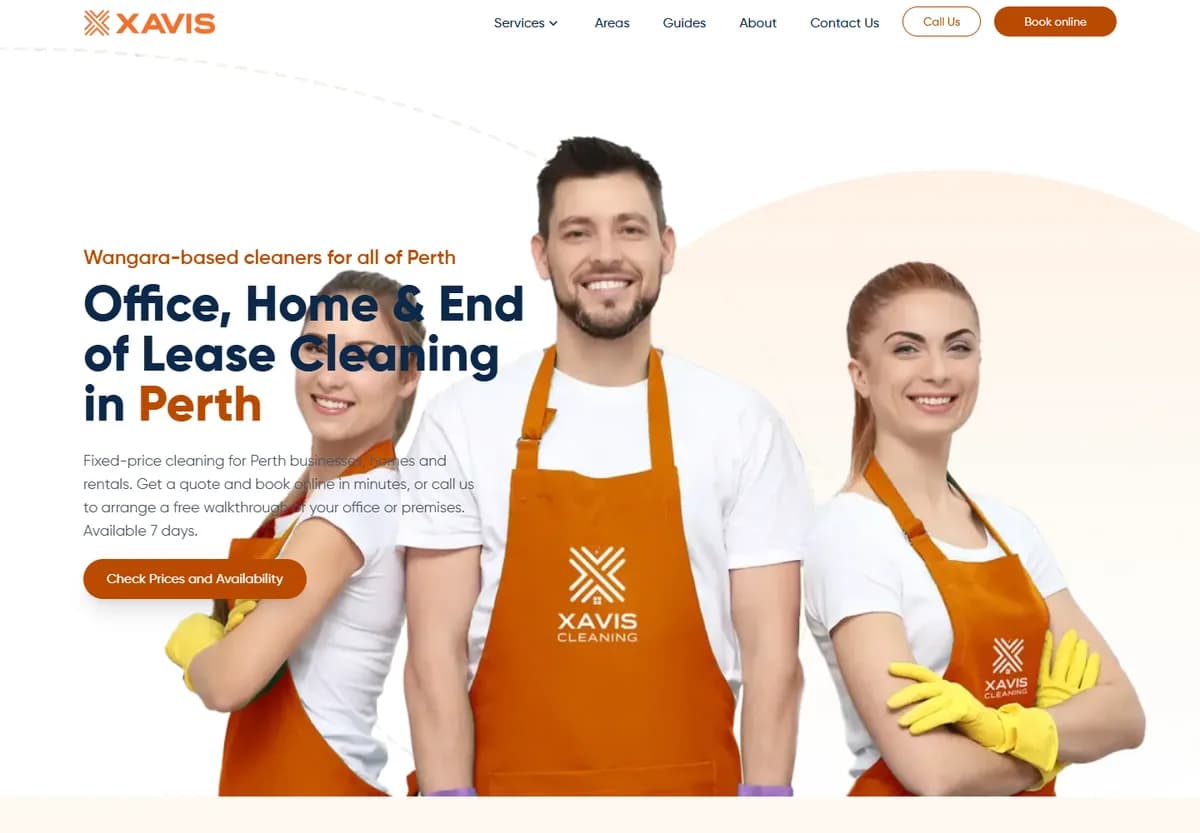
Next.js lead-generation website for a Perth cleaning-services company: quote capture with export and email, Google Business Profile, GA4 and Search Console, ongoing local SEO.
- Sector
- Cleaning & facility services
- Region
- Australia
- Stack
- Next.js
- Engagement
- Website build and ongoing SEO
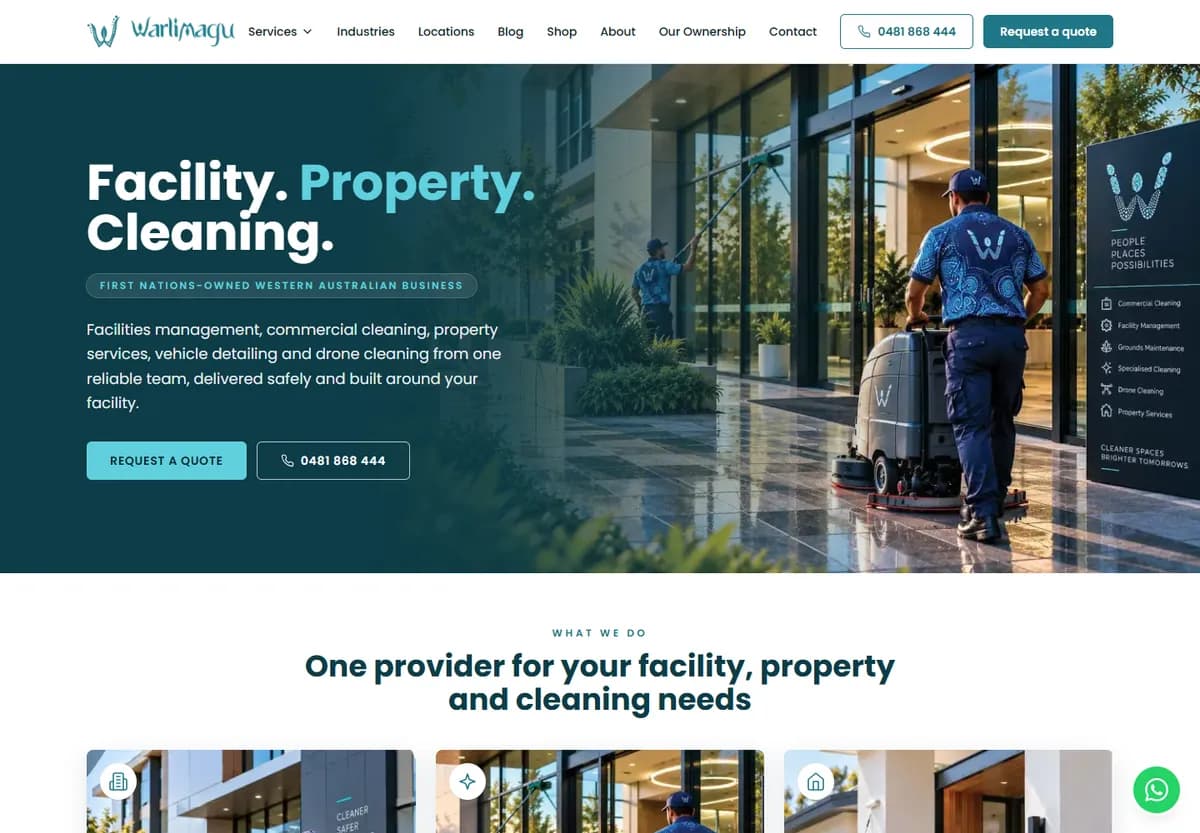
An Aboriginal-owned facilities, property and cleaning services business in Western Australia. Next.js website: enquiry capture with export and email, Google Business Profile, GA4 and Search Console, ongoing local SEO.
- Sector
- Cleaning & facility services
- Region
- Australia
- Stack
- Next.js
- Engagement
- Website build and ongoing SEO
Questions
How long does local SEO take to work?
We don’t give a fixed number, because it depends on the area, the competition and how established your business already is. Treat the setup here as weeks of work, and expect visibility to build over months rather than days.
Can I pay Google for a better local ranking?
No. Google says there is no way to request or pay for a better local ranking. Ads can show alongside the local results, but they are a separate product.
I work from home. Do I have to show my address?
If you serve customers at their locations, Google’s guidelines say you should hide your address and set a service area. You still need a real location to verify the business. PO boxes, and virtual offices where the business doesn’t operate, aren’t eligible.
Should I put my reviews into structured data?
Google’s local business documentation limits its review properties to sites that collect reviews of other local businesses. For your own business, show your reviews to visitors and link to them, but don’t expect stars in search from marking them up.
More on service-business websites
- Core Web Vitals benchmark of service-business websitesLighthouse tests we ran ourselves on 25 sites in five categories, with the method.
- How fast should a small-business website be?The targets that matter, and what our test sample actually reached.
- Next.js or WordPress for a service-business website?We build and look after both. How to choose by who will run the site.
- What a cleaning-company website needs to get quotesTwo sites we built, and the parts that do the work.
Launching a new site and want this done?
Send us your site and the areas you want to reach. We will tell you what is missing.
We reply within one business day (IST).